
Windows
Recommended for youInstaller for Windows 10 and Windows 11 (64-bit). Prefer not to install? Use the portable ZIP.
- Version
- 0.1.0
- Released
- Requires
- Windows 10 / 11, x64
Free to start — export up to 200 photos and videos every month without a credit card. Upgrade from inside the app if you need more.
Export iCloud is a desktop app. Open this page on your Windows PC or Mac to download it.
Installer for Windows 10 and Windows 11 (64-bit). Prefer not to install? Use the portable ZIP.
App for macOS, delivered as a ZIP. Unzip it, drag it to Applications, then follow the first-launch steps below.
Prefer not to install anything? Download the portable ZIP, extract it anywhere (even a USB drive) and run ExportIcloud.exe.
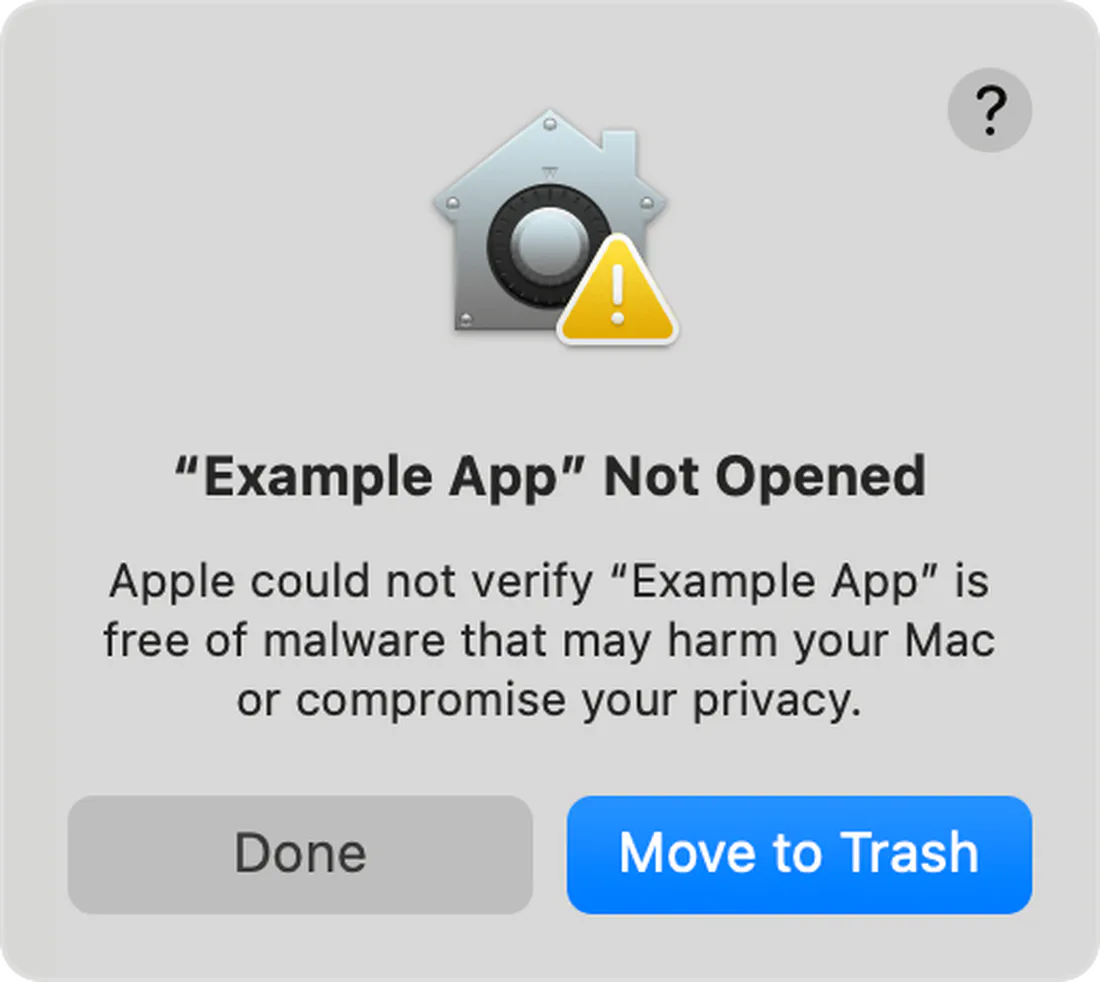
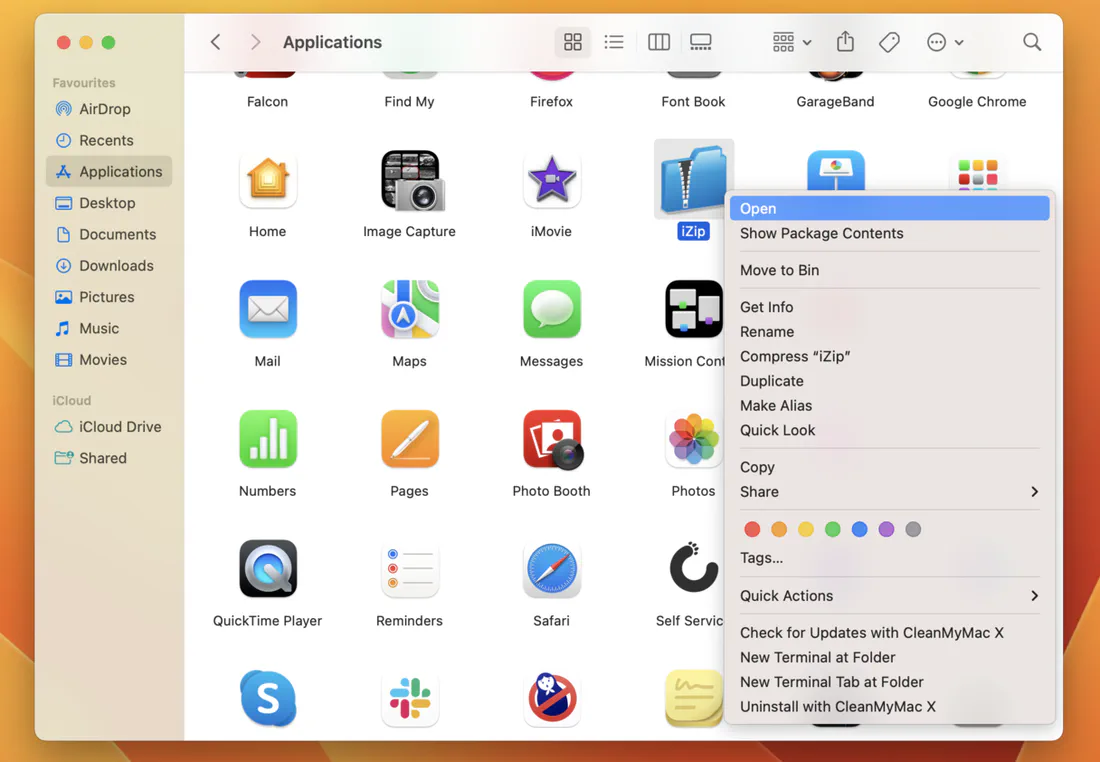
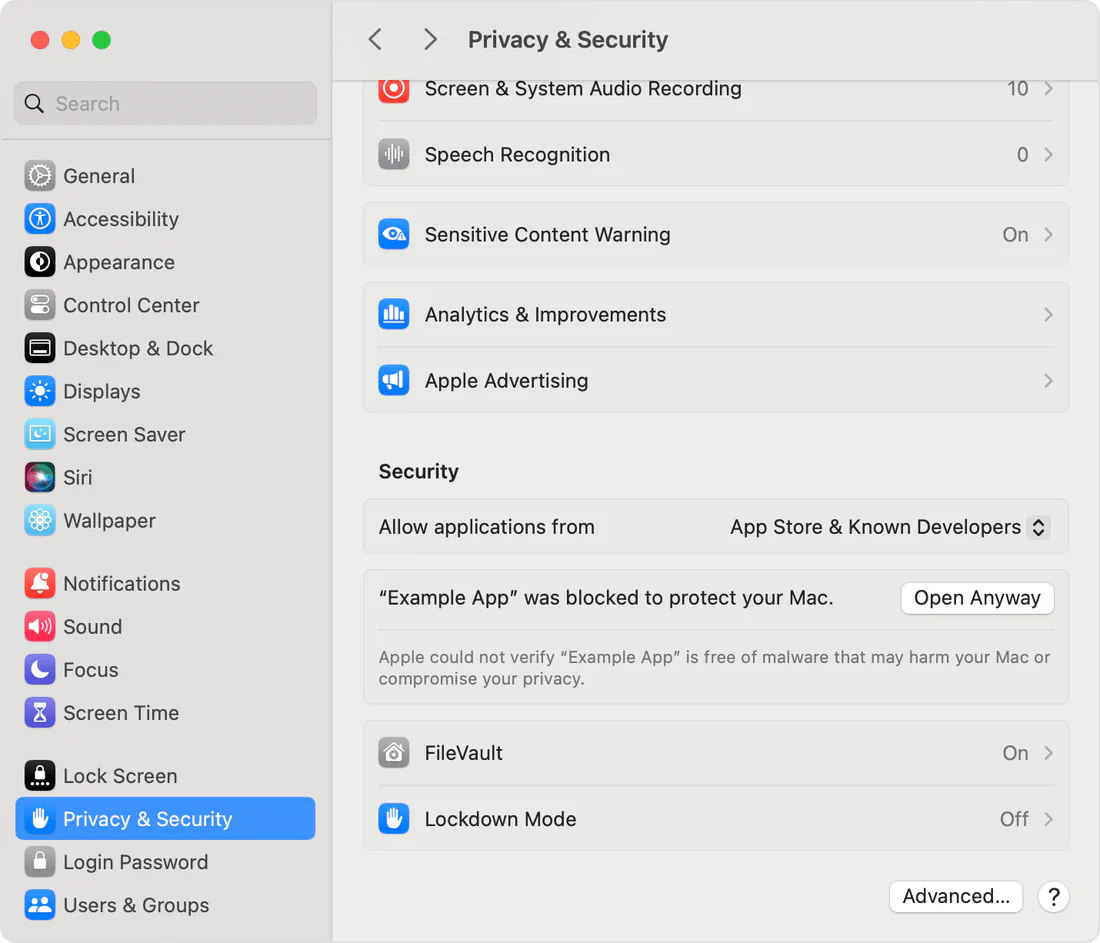
You only need to do this once. Prefer a printable version? Open the Mac install guide (PDF).
Follow the step-by-step usage guide to connect iCloud and run your first export. To update later, open Help → Check for updates in the app, or come back to this page — it always links to the latest version. See what changed in the changelog.